
Easy App Mail Launcher
A calm, uncluttered Android home screen with your email tucked one swipe away. Connect your Gmail accounts, then swipe right from your home screen to read, reply and tidy up. No extra app to open, no hunting for the envelope icon.
Features
Everything in one swipe
A home screen and an inbox that work together, so there’s less tapping and more done.
Swipe to your inbox
From your first home screen page, one swipe right opens your mail. Switch between your Gmail accounts in a tap, and messages you’ve opened stay readable offline.
Write without switching
Compose, reply, reply all or forward with attachments, Cc and Bcc. Replies stay in the same conversation.
Find apps fast
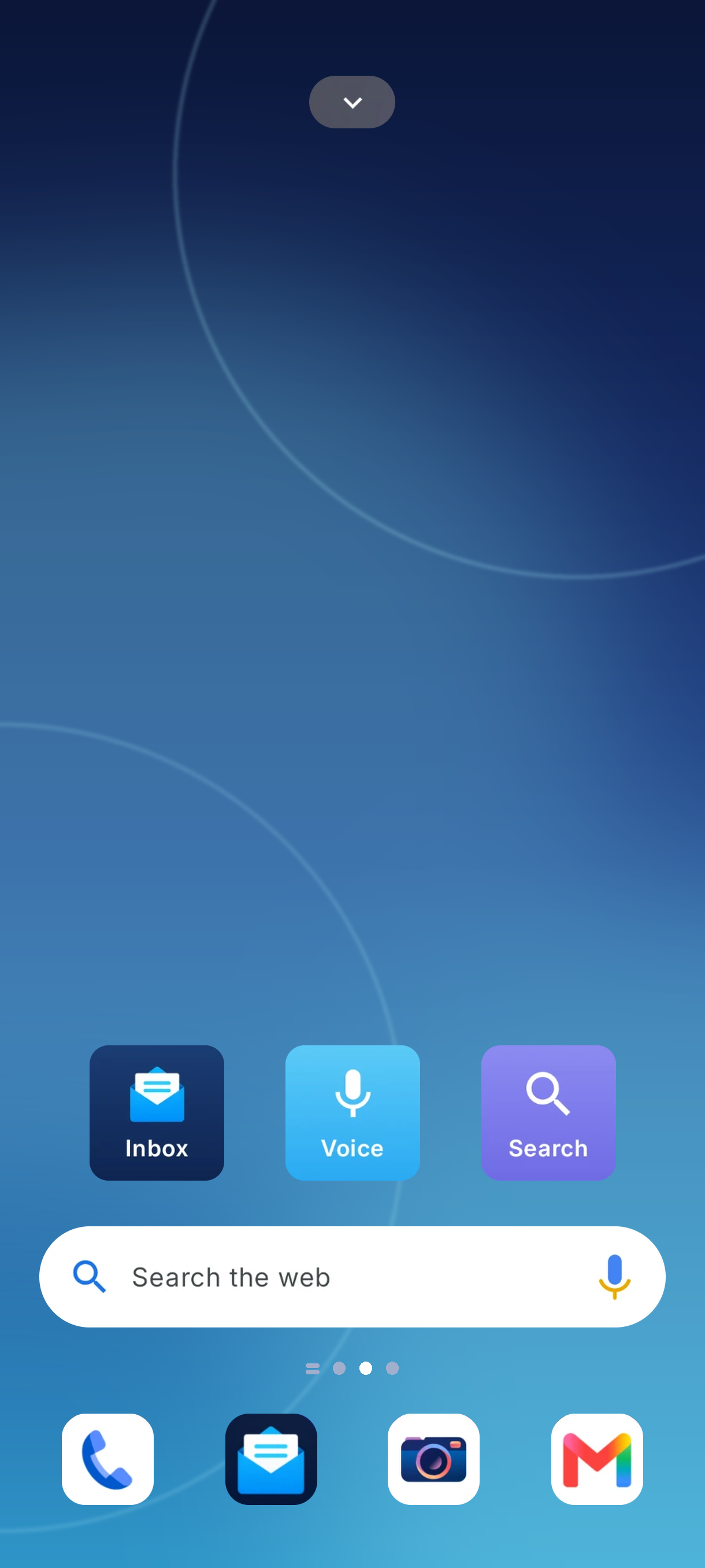
An A–Z drawer with a letter rail, plus search for apps and the web with Google, Yahoo or DuckDuckGo. Voice search works too.
Arrange it your way
Pick a 6×4 or 6×5 grid, drag apps between pages, pin favourites to the dock and add widgets like a clock or search bar.
See what’s waiting
Optional badges show unread counts on app icons, so you can tell at a glance what needs you.
Headlines on hand
Catch up on top stories for your region right from the home screen.
Ready to try Easy App Mail?
Free to download. Switch back to your old launcher any time.